Styles
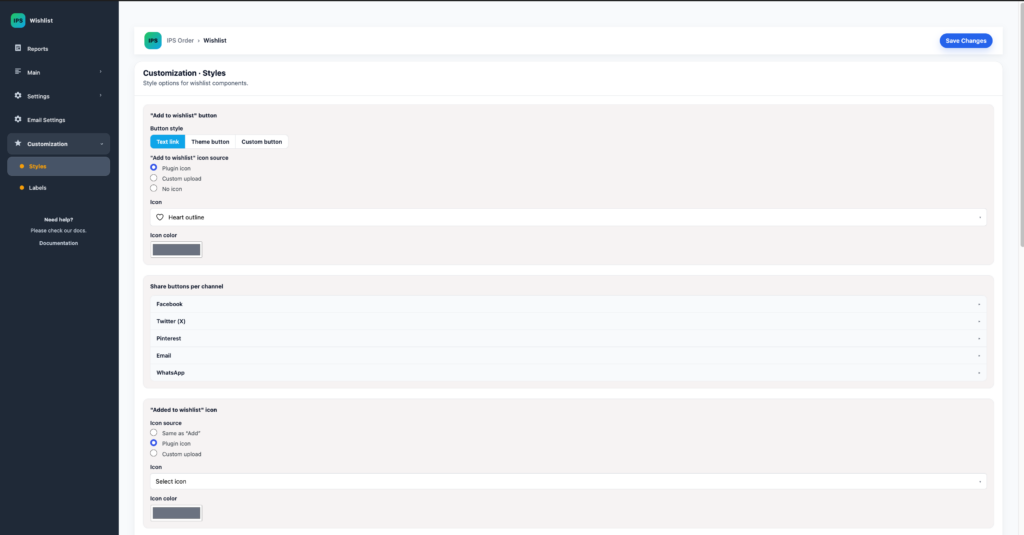
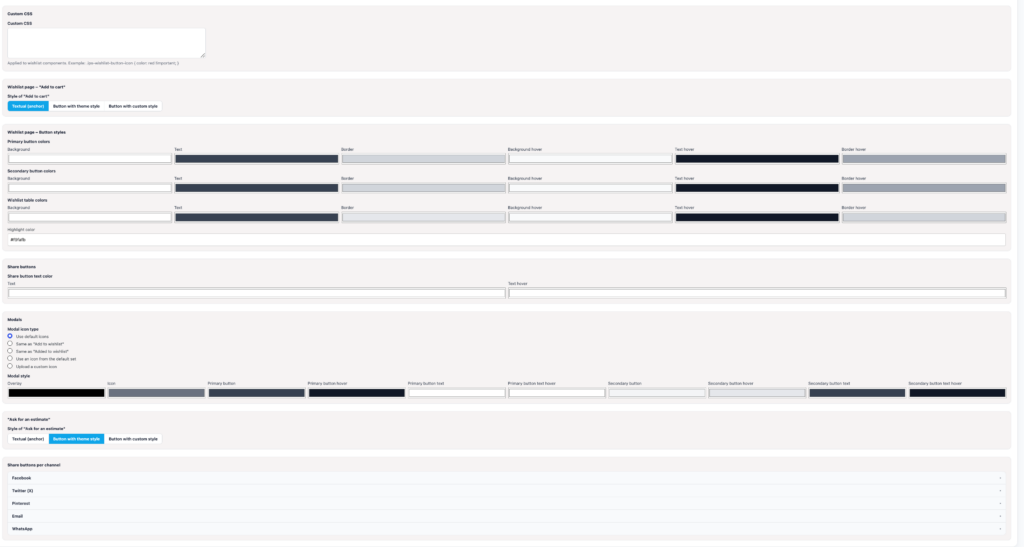
The Styles screen controls the wishlist button, added state, share buttons, wishlist-page actions, modal appearance, table colors, and optional custom CSS. Prefer the theme-button option where possible so the wishlist follows the shop’s existing design system.
Labels
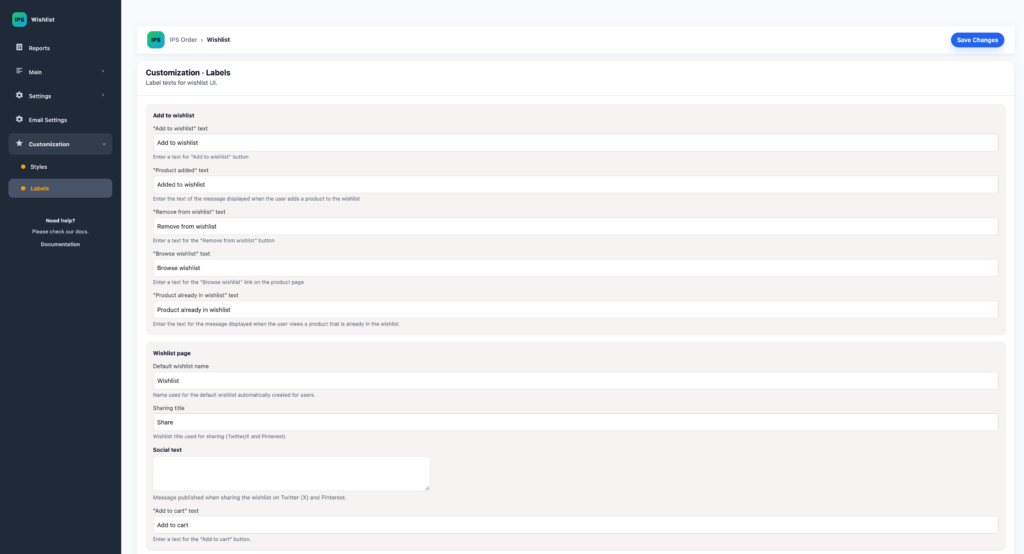
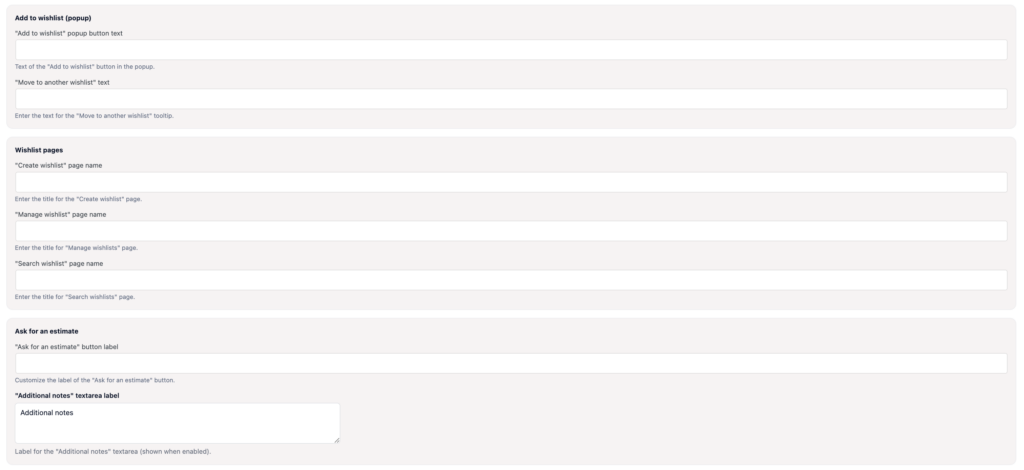
The Labels screen lets the shop manager adapt customer-facing copy such as Add to wishlist, Added to wishlist, Remove from wishlist, Browse wishlist, the default wishlist name, sharing copy, and Add to cart.
After visual changes, test the product loop, product page, wishlist page, My Account, and mobile layouts. A control that looks correct in one WooCommerce context may inherit different theme styles in another.