Back-in-stock email Lite
Core includes a Back-in-stock wishlist email Lite workflow. It is disabled by default and must be deliberately configured and enabled by the shop manager.
- Open Email Settings.
- Expand the Back-in-stock email panel.
- Review activation, subject, heading, exclusions, email type, and the HTML and plain-text content exposed by the installed release.
- Save the settings, enable the email, and test it on staging before using it in production.
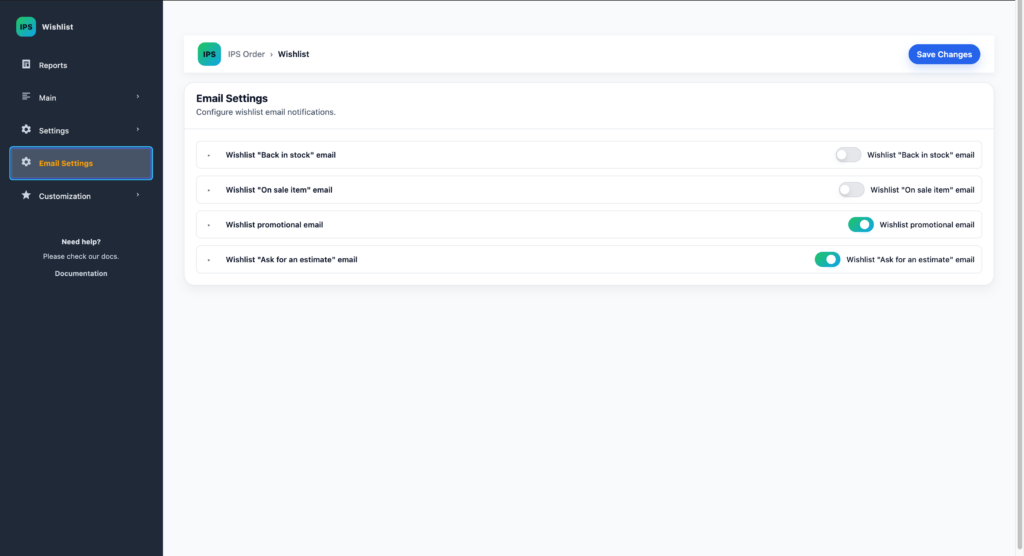
Promotional, on-sale, estimate, and broader marketing automation emails are outside this Core guide and are not claimed as available here.